

Incomplete machine references
The office needs another call just to identify which machine the customer means.
Zweelie is your AI office manager that answers equipment-repair calls, organizes machine photos and site contacts, and keeps customer callbacks connected.
Zweelie supports heavy-equipment repair companies handling inquiries from job sites, yards, and equipment owners. A machine reference, fault description, photo, and approval contact can arrive separately. Bring that customer context together so the service team can review the request and decide the next step.
Built around the work of: equipment-repair company owners, field service mechanics, hydraulic repair coordinators.
Mobile app + web platform
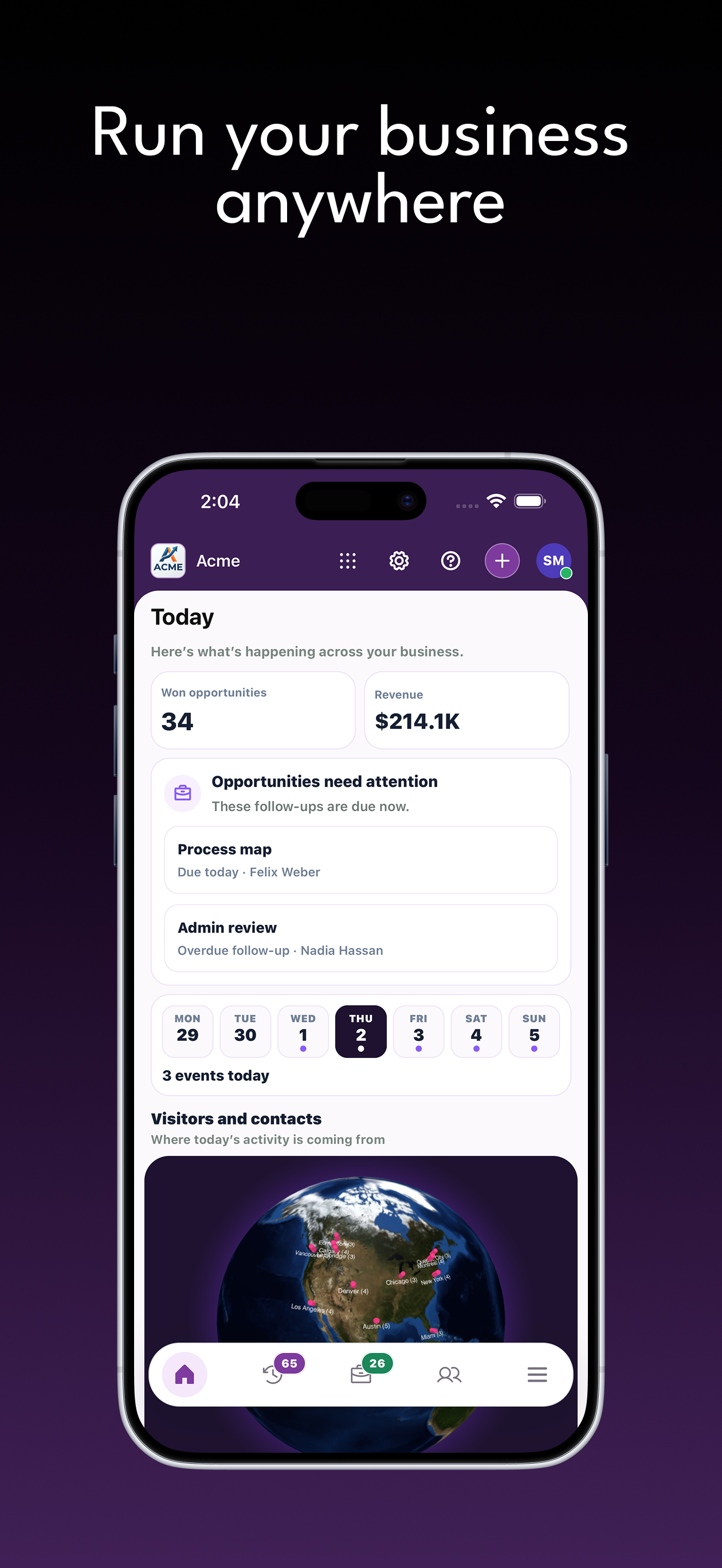
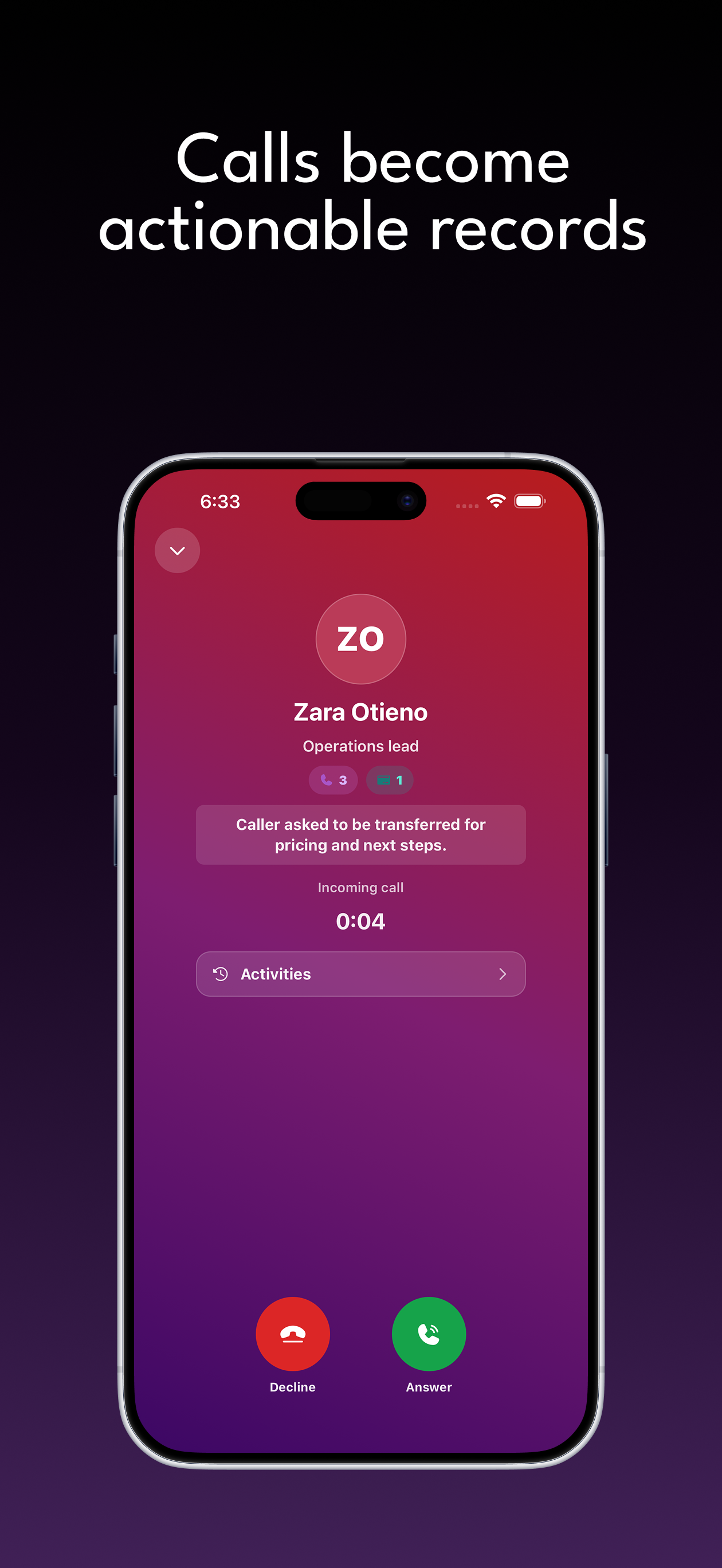
Answer calls, qualify leads, follow every opportunity, collect payments, and keep customer work organized from wherever the day takes you.
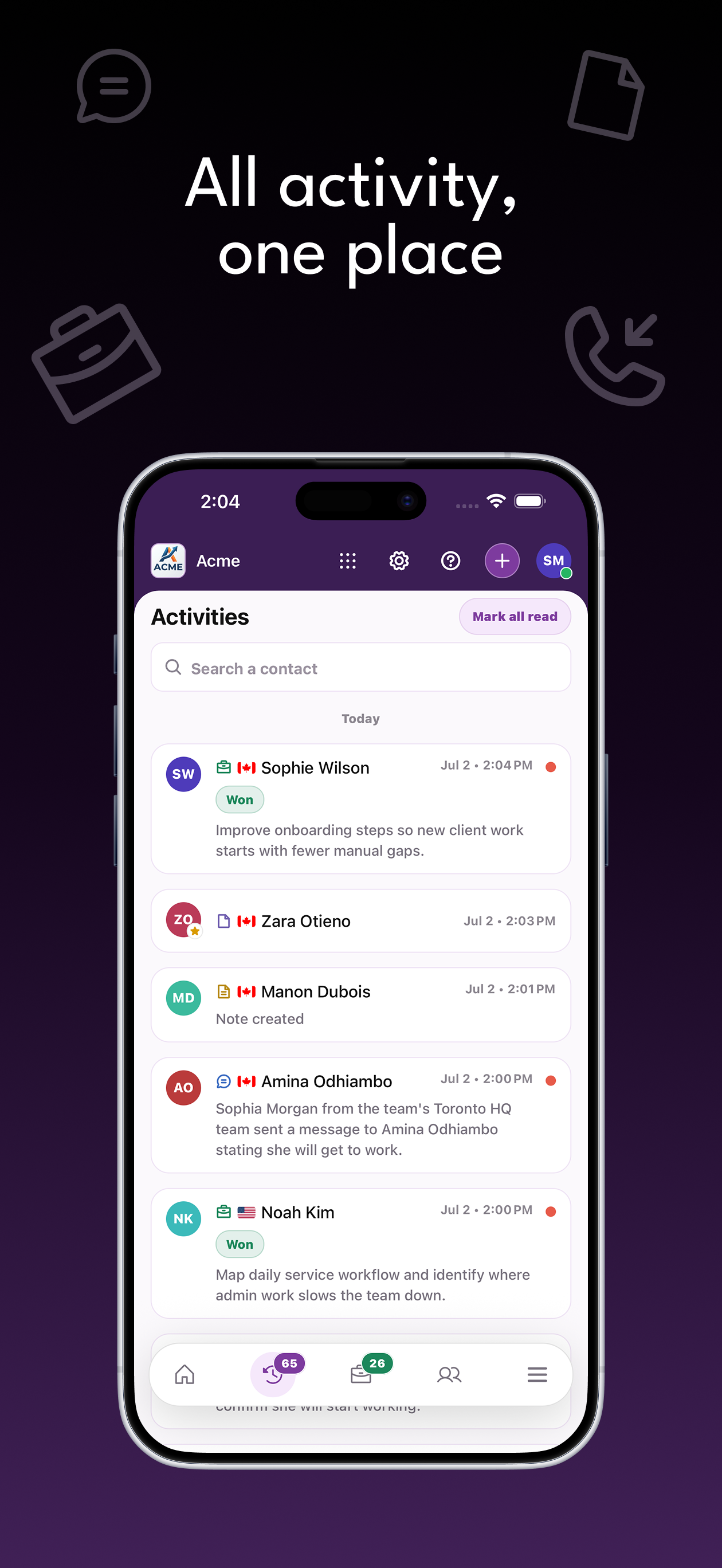
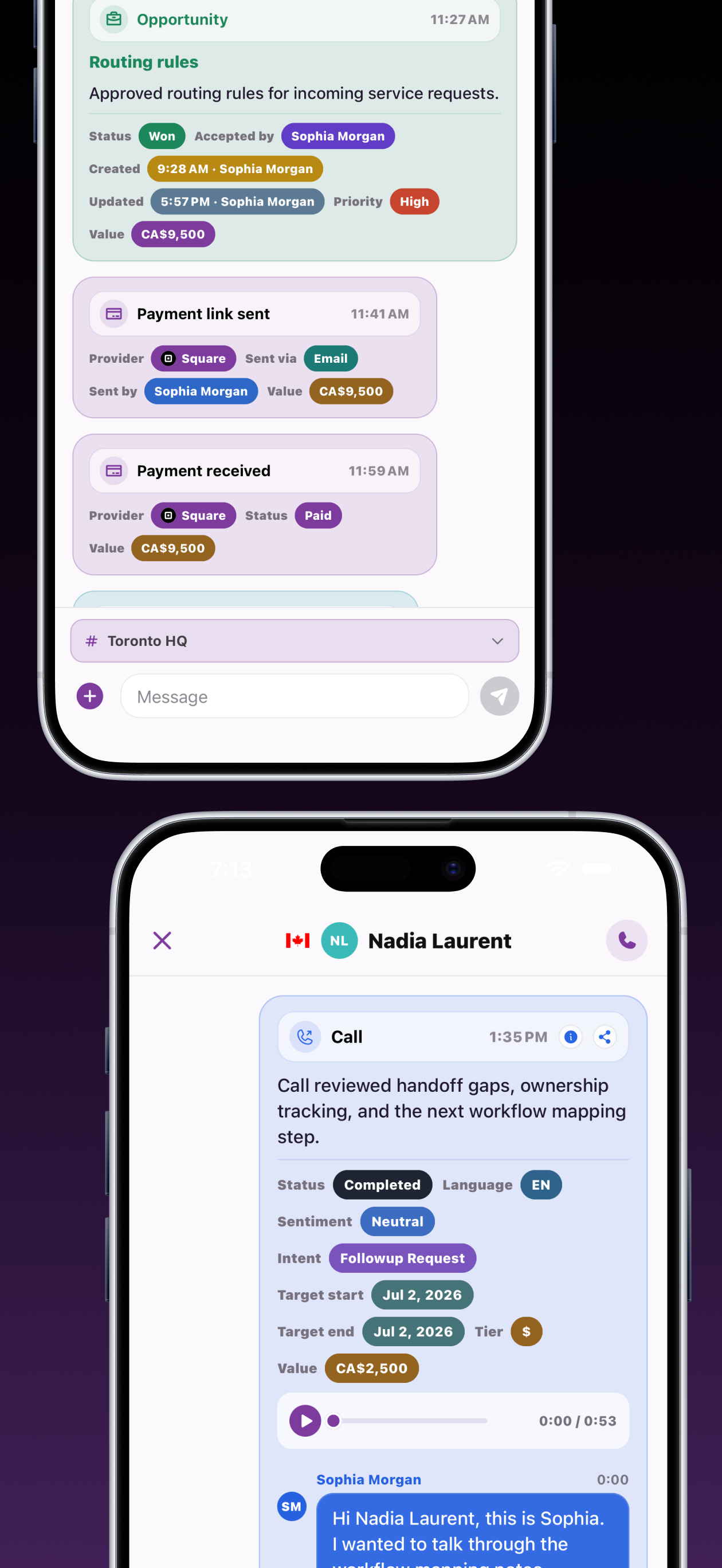
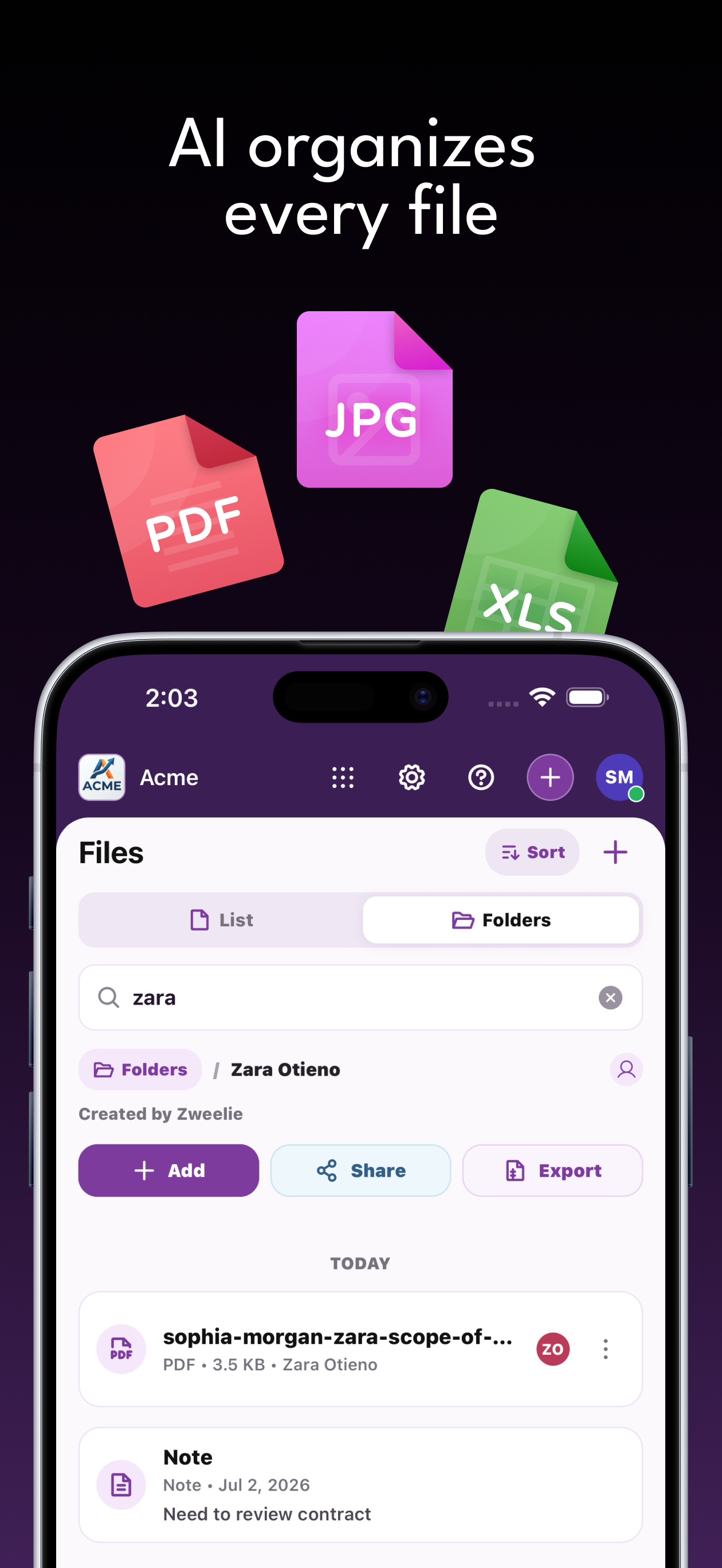
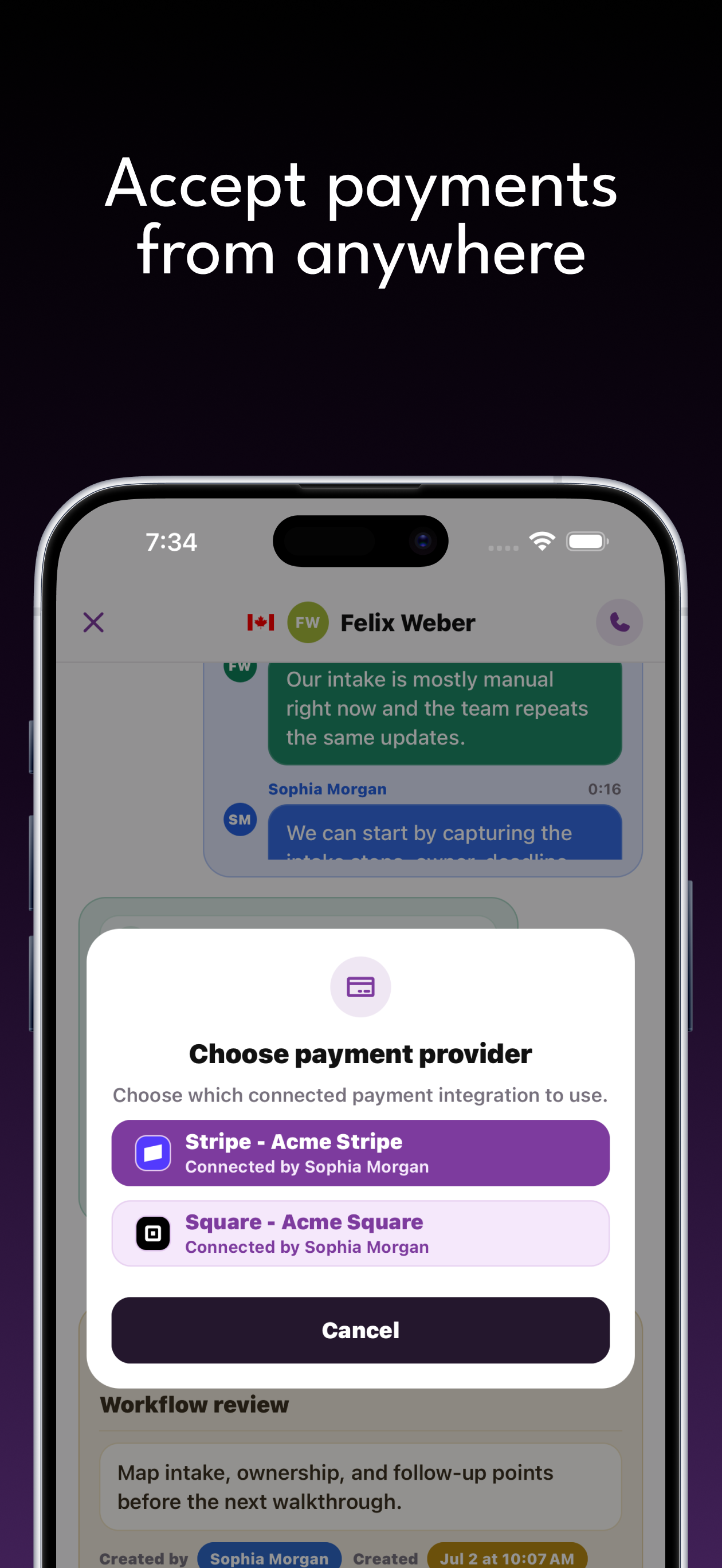
The customer communication problems that heavy-equipment repair companies need to solve.
The office needs another call just to identify which machine the customer means.
Operators and purchasing contacts may have different information and responsibilities.
A repair inquiry can sit open while someone waits for a photo or customer decision.
Connect each inquiry with the person and information needed to move it forward.
Collect the site, machine reference, reported issue, and people involved in arranging service.
Keep model photos, customer files, and notes connected to an assigned opportunity.
Use a follow-up reminder for missing information or customer approval while technical work stays in your service-management process.
Capabilities
Give your team calls, forms, opportunities, files, notes, and payments that share customer context. Features and usage allowances depend on your plan.
Configure your receptionist and call routing. Keep customer texts, call summaries, and request details available for your team's response.
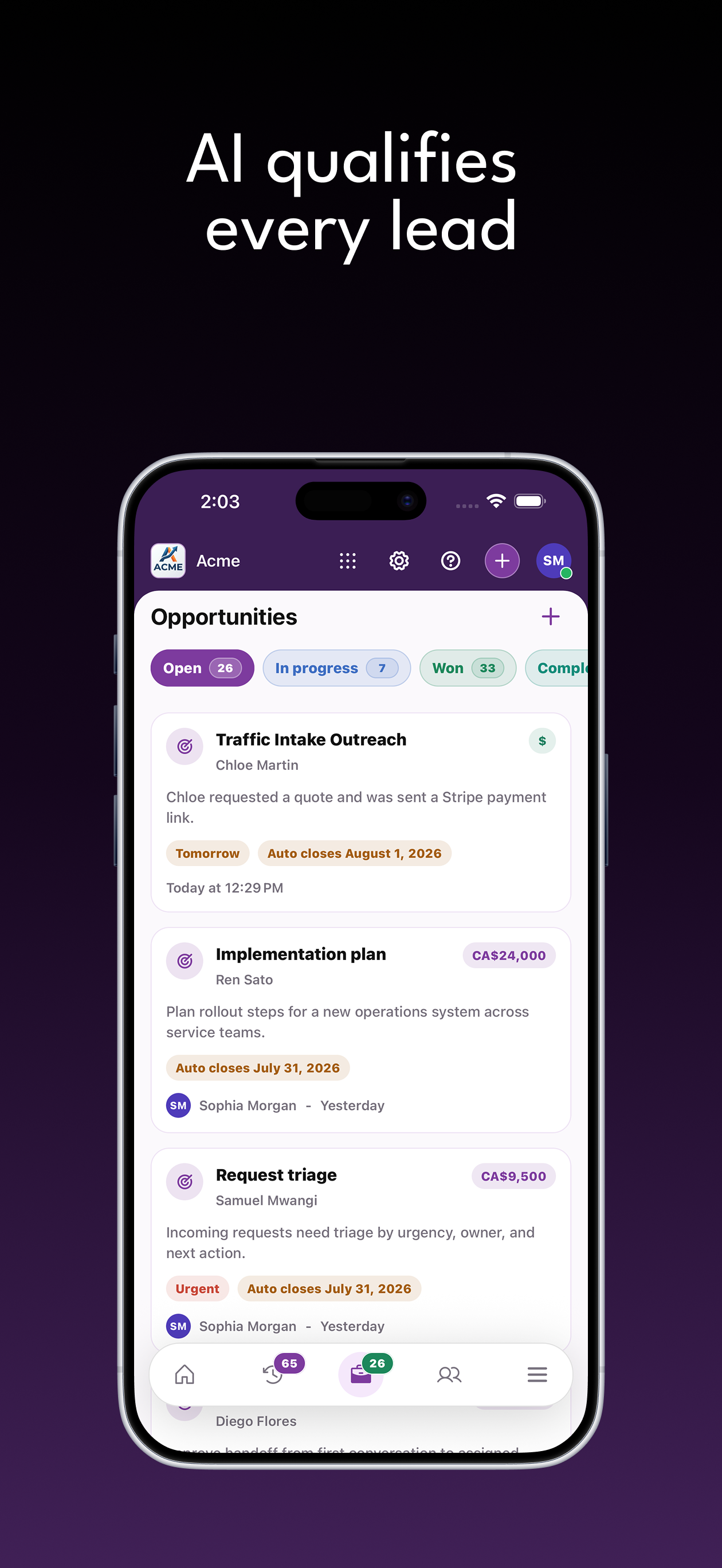
Review potential work from calls, texts, and forms. Assign a responsible person and follow-up reminder so the next customer conversation has an owner.
Excavator service inquiry
Parker Dean
Link customer-provided photos and documents to contacts and opportunities. Give the person handling the request the materials needed for review.
Build an intake form around machine reference, service location, customer observations. Accept relevant files and connect submissions to customer opportunities.
Tell our team what you have in mind.
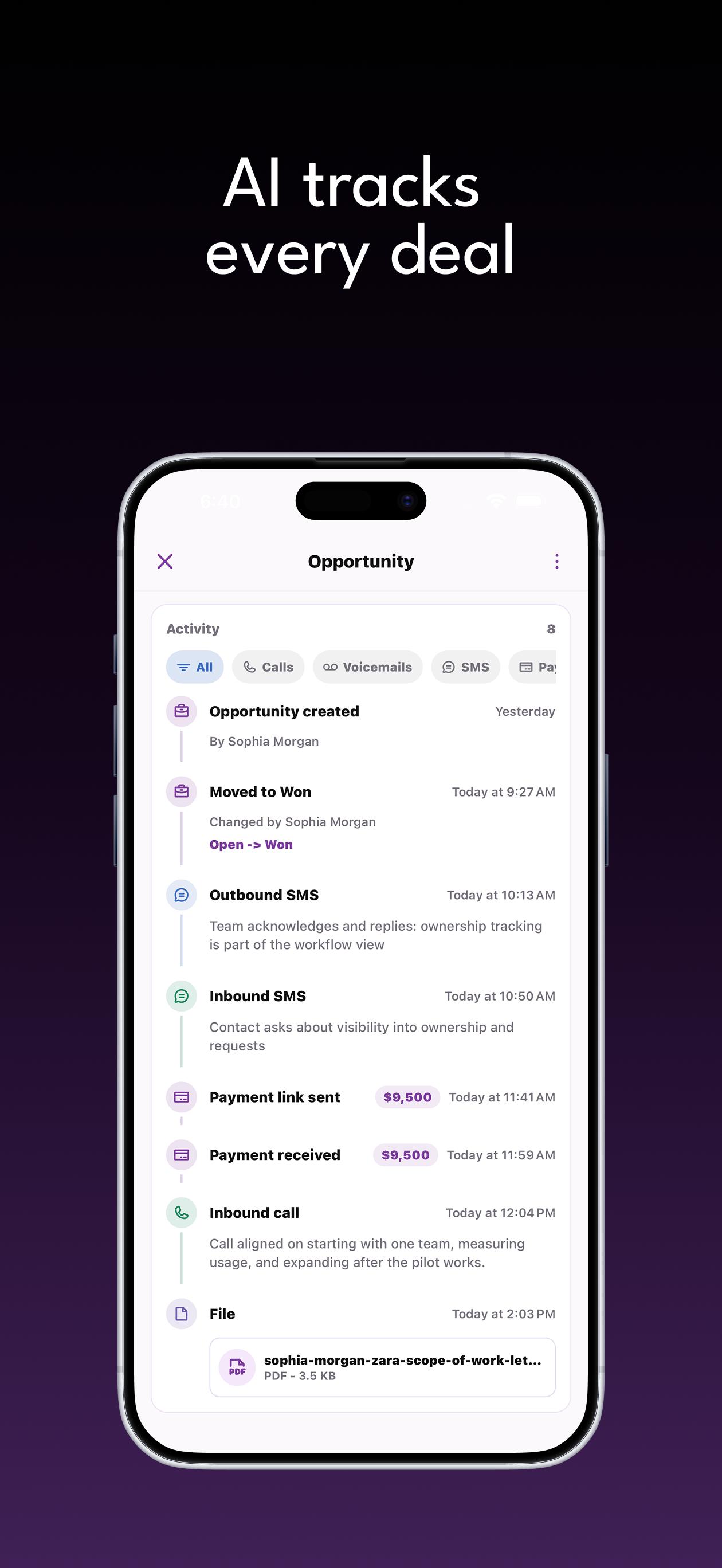
Your team can send an agreed payment link and view payment activity alongside the customer history. Stripe and Square connections are available; provider capabilities vary.
Keep your team's observations and agreed next steps attached to the customer or opportunity, ready for the next conversation.
Parker sent the excavator plate and site contact. Review access and the reported issue with the technician.
Parker DeanExcavator service inquiryIn progressSelena requested a loader maintenance proposal. Confirm machine hours and the equipment list.
Selena OrtizLoader maintenance proposalOpenZweelie connects with Stripe, Square, and Google Calendar so payments and dates end up where your team already looks.
Don't see an integration here? We can build it.Give your coordinator the equipment model, site contact, and requested service before the callback. Keep customer messages and supporting files together while your technical team confirms the work and updates the operator.
Zweelie brings customer communication, intake, and follow-up ownership together on web and iOS. Explore our privacy policy or talk through your workflow in a demo.
Pricing
Capture new inquiries, stay on top of opportunities, and automate routine work as your business grows.
Small Business
Capture every lead with your business team.
Business
Handle more inquiries and keep every opportunity organized.
Business Pro
Automation and collaboration for the whole operation.
*Unlimited call and SMS usage is subject to our Fair Use Policy.
Yes. Keep the outstanding information in the opportunity notes and assign a follow-up reminder to the person handling the customer. New files and messages can stay linked to the same work instead of being lost in an unrelated thread.
Give your coordinator the equipment model, site contact, and requested service before the callback. Keep customer messages and supporting files together while your technical team confirms the work and updates the operator.
Yes. Zweelie connects calls, texts, contacts, files, notes, and opportunities so the people handling a request can review its history. Assign opportunities and follow-up reminders to your team. Team access and product availability depend on your plan and permissions.
Read the guide · Heavy-Equipment Repair Companies