

Missing client inputs
A project remains open while staff chase information that was requested in another thread.
Zweelie is your AI office manager that answers permit-project inquiries, organizes drawing files and client questions, and keeps team follow-ups on track.
Zweelie helps permit expediters manage the client communication surrounding a submission. A missing drawing, revised scope, or unanswered owner question can leave work waiting. Keep the request, relevant files, and conversation history connected so the team can identify and follow up on the next client action.
Built around the work of: permit-expediting business owners, permit coordinators, development support consultants.
Mobile app + web platform
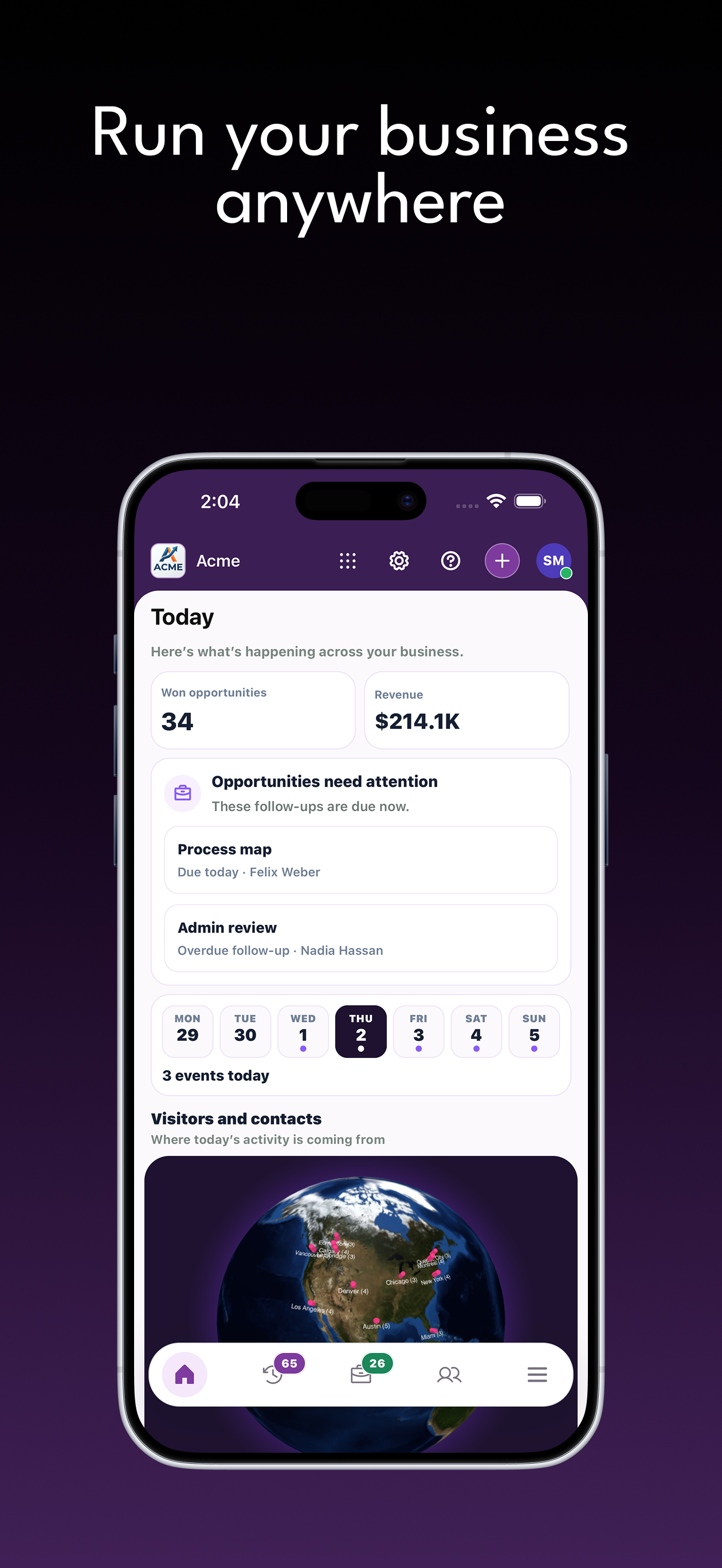
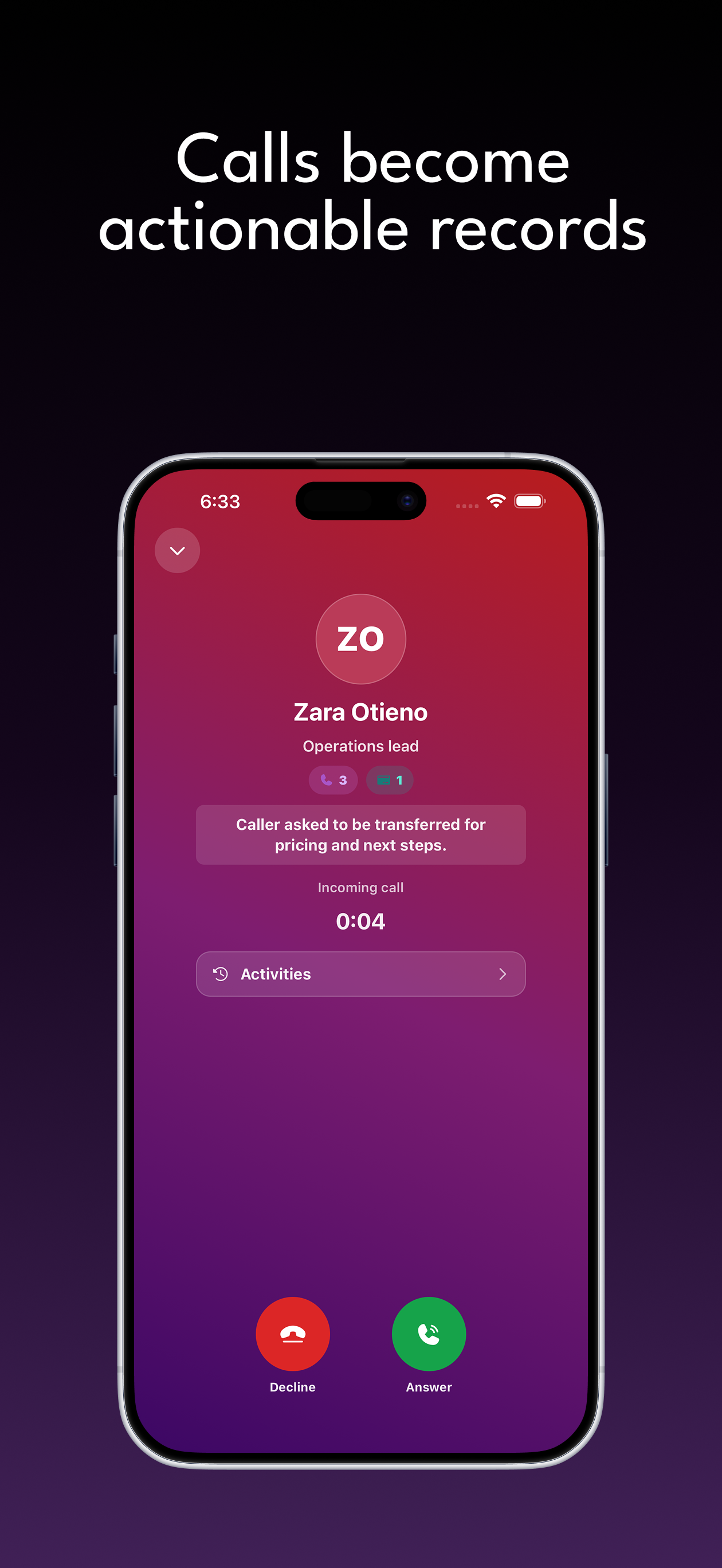
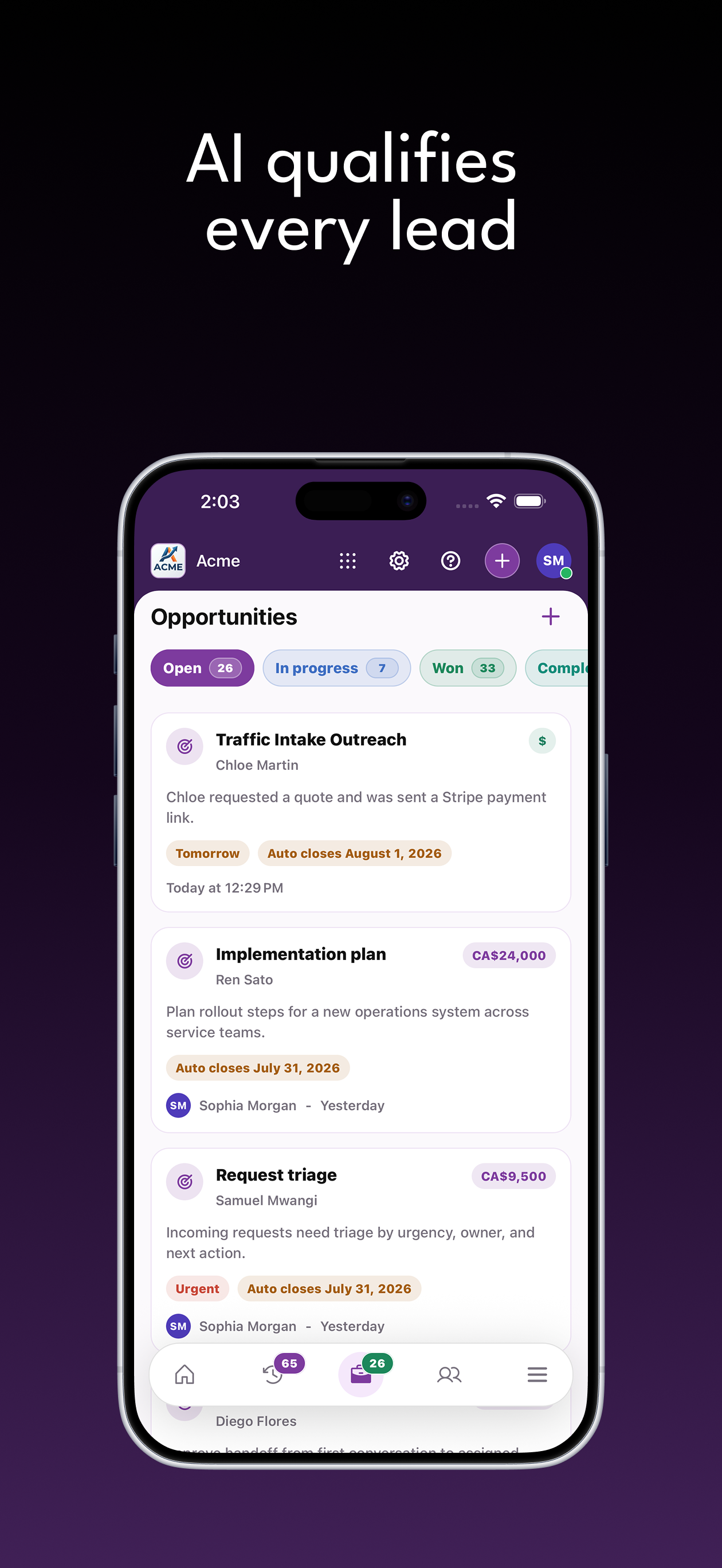
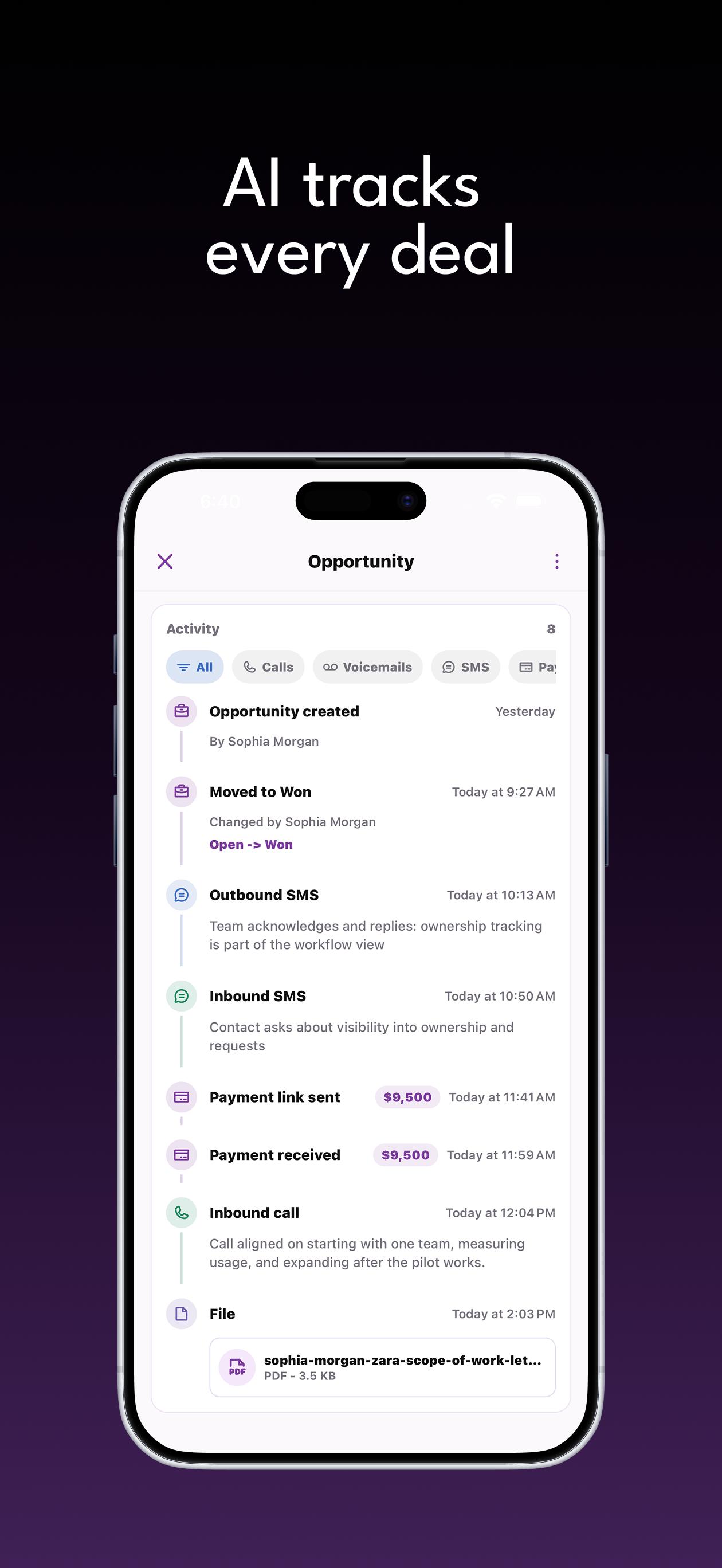
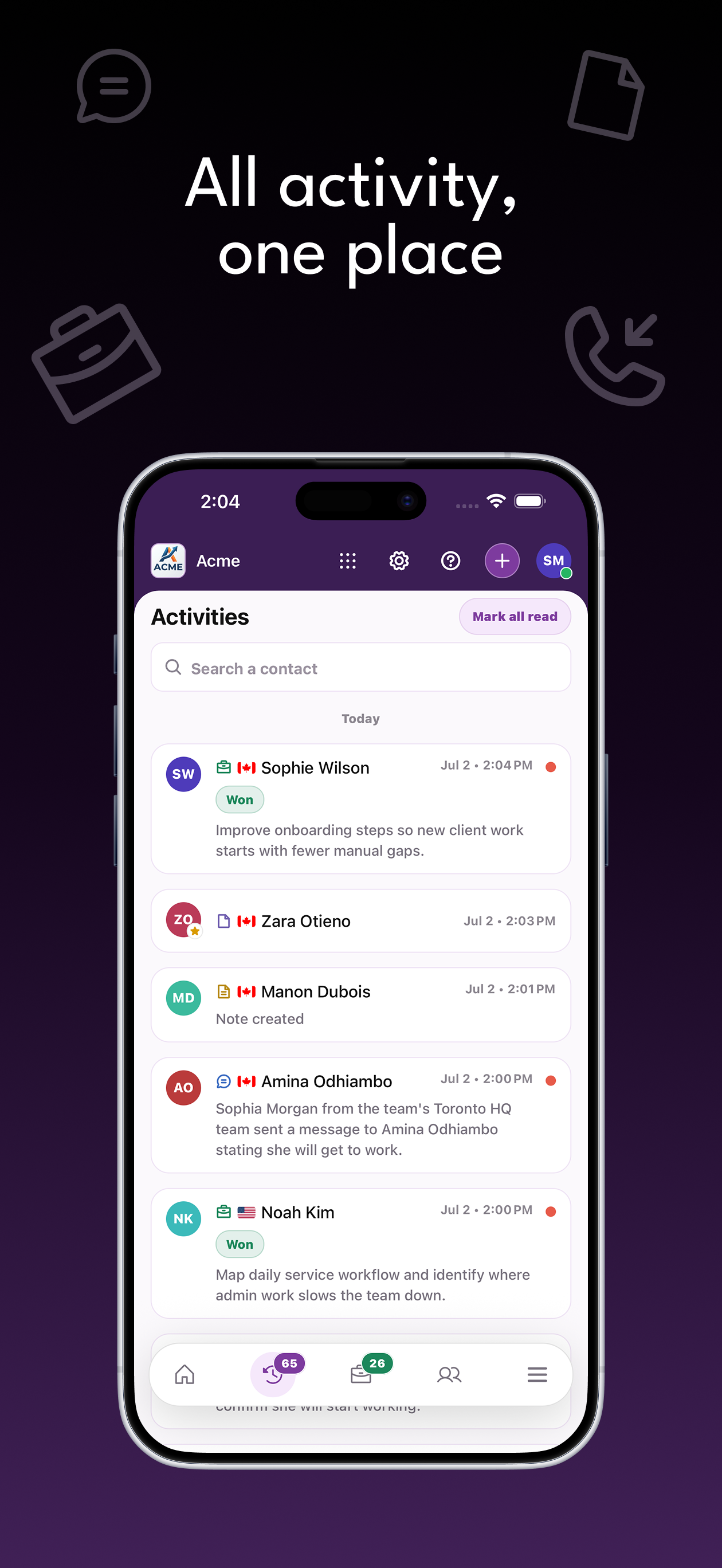
Answer calls, qualify leads, follow every opportunity, collect payments, and keep customer work organized from wherever the day takes you.
The customer communication problems that permit expediters need to solve.
A project remains open while staff chase information that was requested in another thread.
A new drawing arrives without the conversation explaining what changed.
The owner assumes the coordinator replied, while the coordinator waits for the owner.
Connect each inquiry with the person and information needed to move it forward.
Gather the property, proposed work, client contact, and requested support through a tailored form.
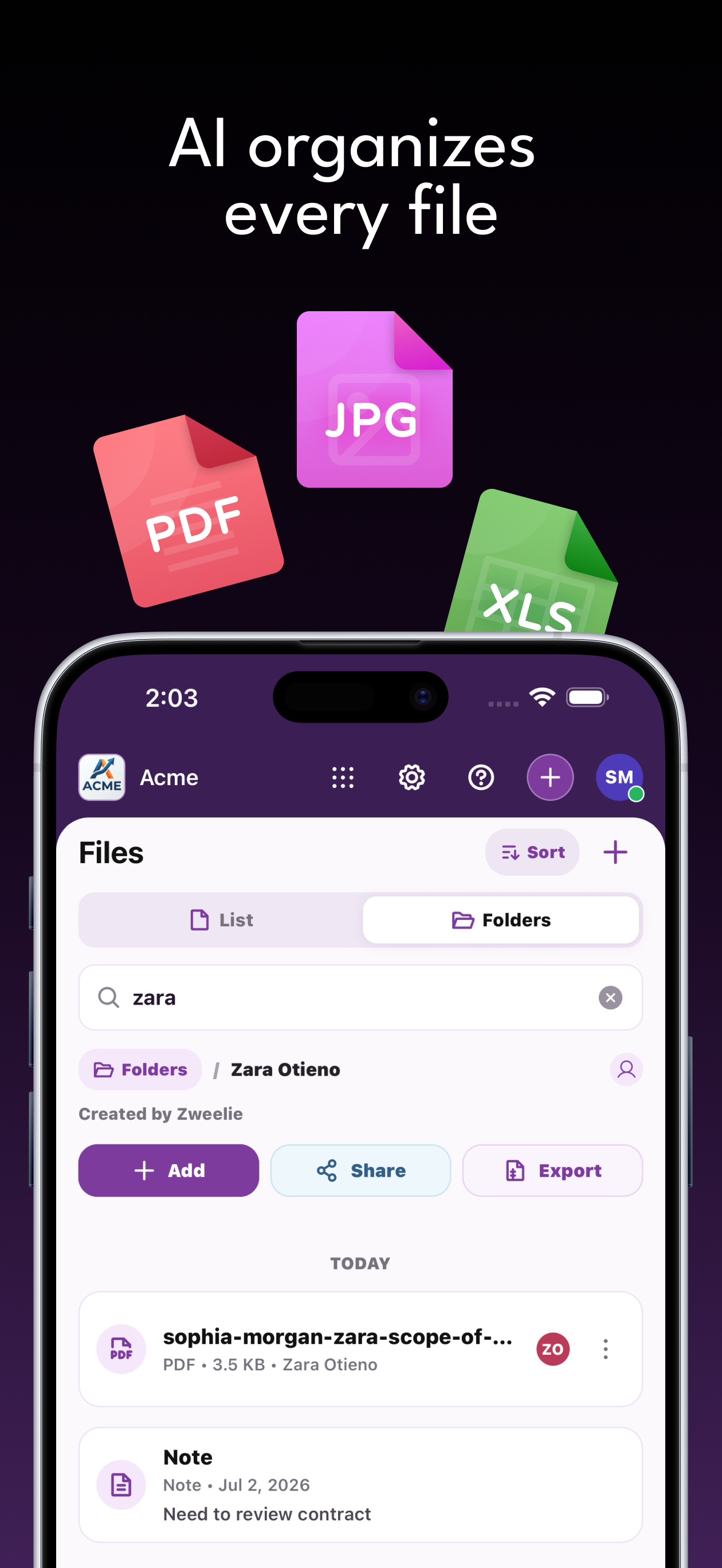
Attach drawings and correspondence to the contact or opportunity, with notes identifying what still needs review.
Use an opportunity owner and reminder for missing information while official submissions remain in the relevant portal.
Capabilities
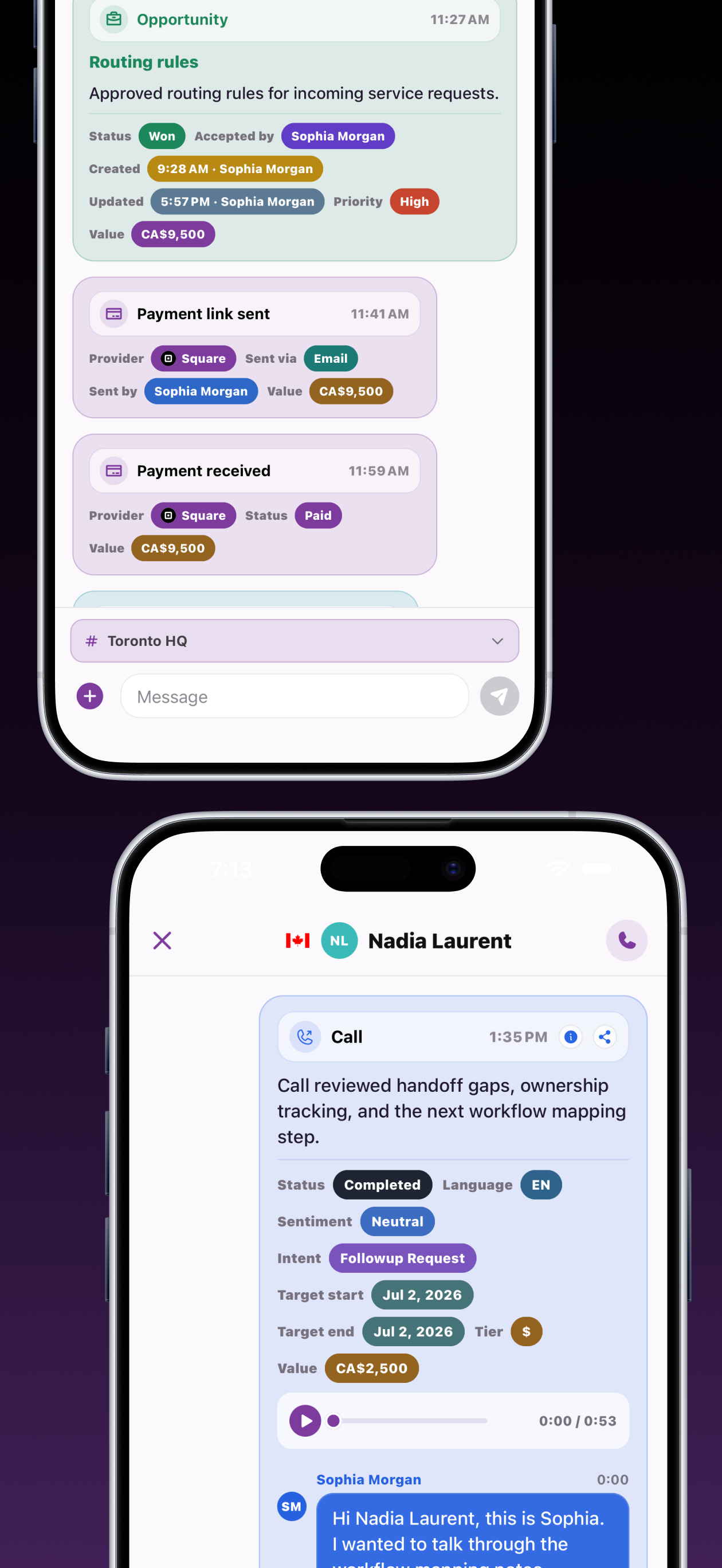
Give your team calls, forms, opportunities, files, notes, and payments that share customer context. Features and usage allowances depend on your plan.
Configure your receptionist and call routing. Keep customer texts, call summaries, and request details available for your team's response.
Review potential work from calls, texts, and forms. Assign a responsible person and follow-up reminder so the next customer conversation has an owner.
Retail fit-out permit review
Nora Blake
Link customer-provided photos and documents to contacts and opportunities. Give the person handling the request the materials needed for review.
Build an intake form around project address, proposed work, client contact. Accept relevant files and connect submissions to customer opportunities.
Tell our team what you have in mind.
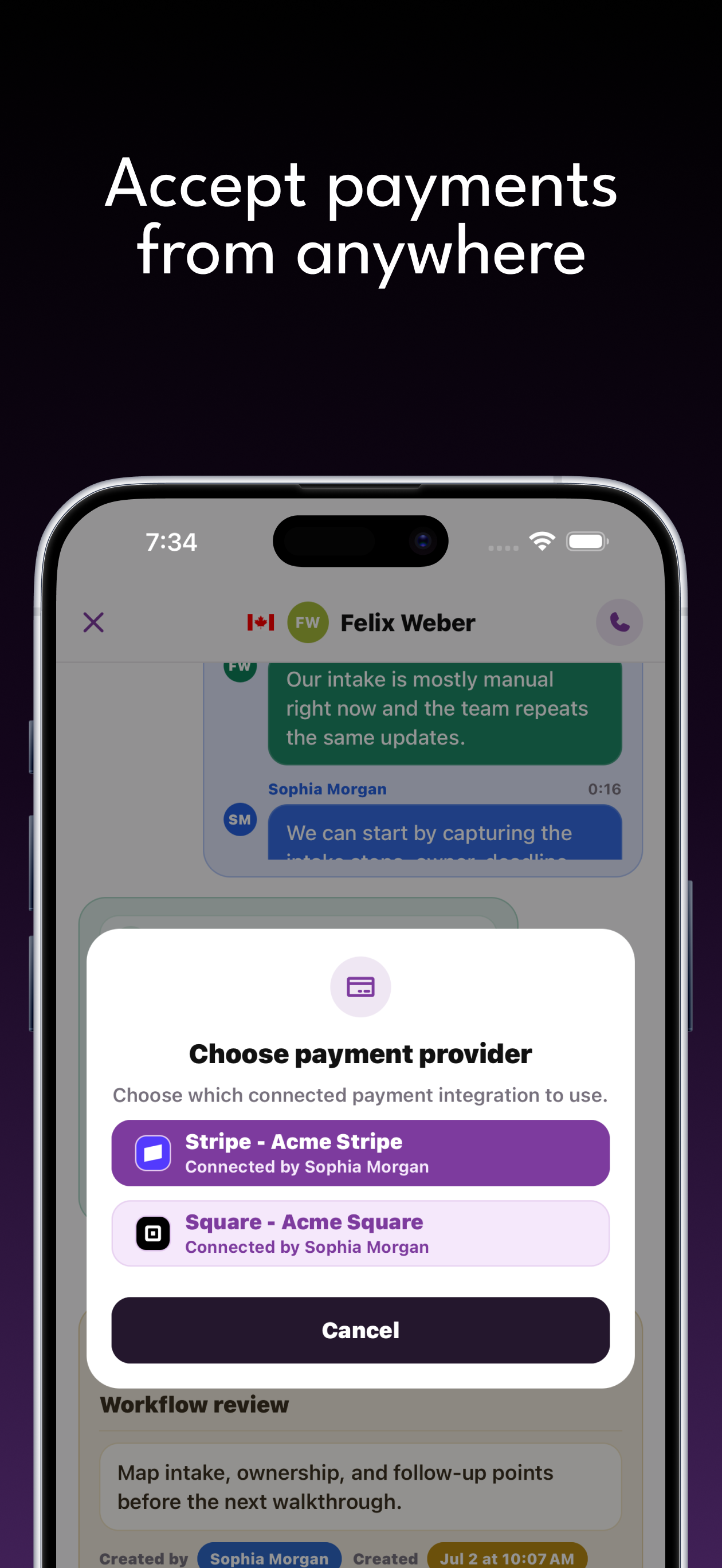
Your team can send an agreed payment link and view payment activity alongside the customer history. Stripe and Square connections are available; provider capabilities vary.
Keep your team's observations and agreed next steps attached to the customer or opportunity, ready for the next conversation.
Nora uploaded the retail project outline. Confirm the municipality and applicant contact before scoping work.
Nora BlakeRetail fit-out permit reviewIn progressAsher shared an addition drawing. Ask the permit coordinator to review the requested filing support.
Asher QuinnHome addition filing inquiryOpenZweelie connects with Stripe, Square, and Google Calendar so payments and dates end up where your team already looks.
Don't see an integration here? We can build it.Keep the project contact, requested permit work, drawing references, and municipal updates together. Your team can follow up on missing information and guide the client through the applicable submission process.
Zweelie brings customer communication, intake, and follow-up ownership together on web and iOS. Explore our privacy policy or talk through your workflow in a demo.
Pricing
Capture new inquiries, stay on top of opportunities, and automate routine work as your business grows.
Small Business
Capture every lead with your business team.
Business
Handle more inquiries and keep every opportunity organized.
Business Pro
Automation and collaboration for the whole operation.
*Unlimited call and SMS usage is subject to our Fair Use Policy.
Yes. Keep the project inquiry, drawing references, customer questions, and outstanding information with one assigned opportunity. Your team can follow up with the client and manage submissions and approval updates through the applicable municipal process.
Keep the project contact, requested permit work, drawing references, and municipal updates together. Your team can follow up on missing information and guide the client through the applicable submission process.
Yes. Zweelie connects calls, texts, contacts, files, notes, and opportunities so the people handling a request can review its history. Assign opportunities and follow-up reminders to your team. Team access and product availability depend on your plan and permissions.
Read the guide · Permit Expediters