

New work competes with site work
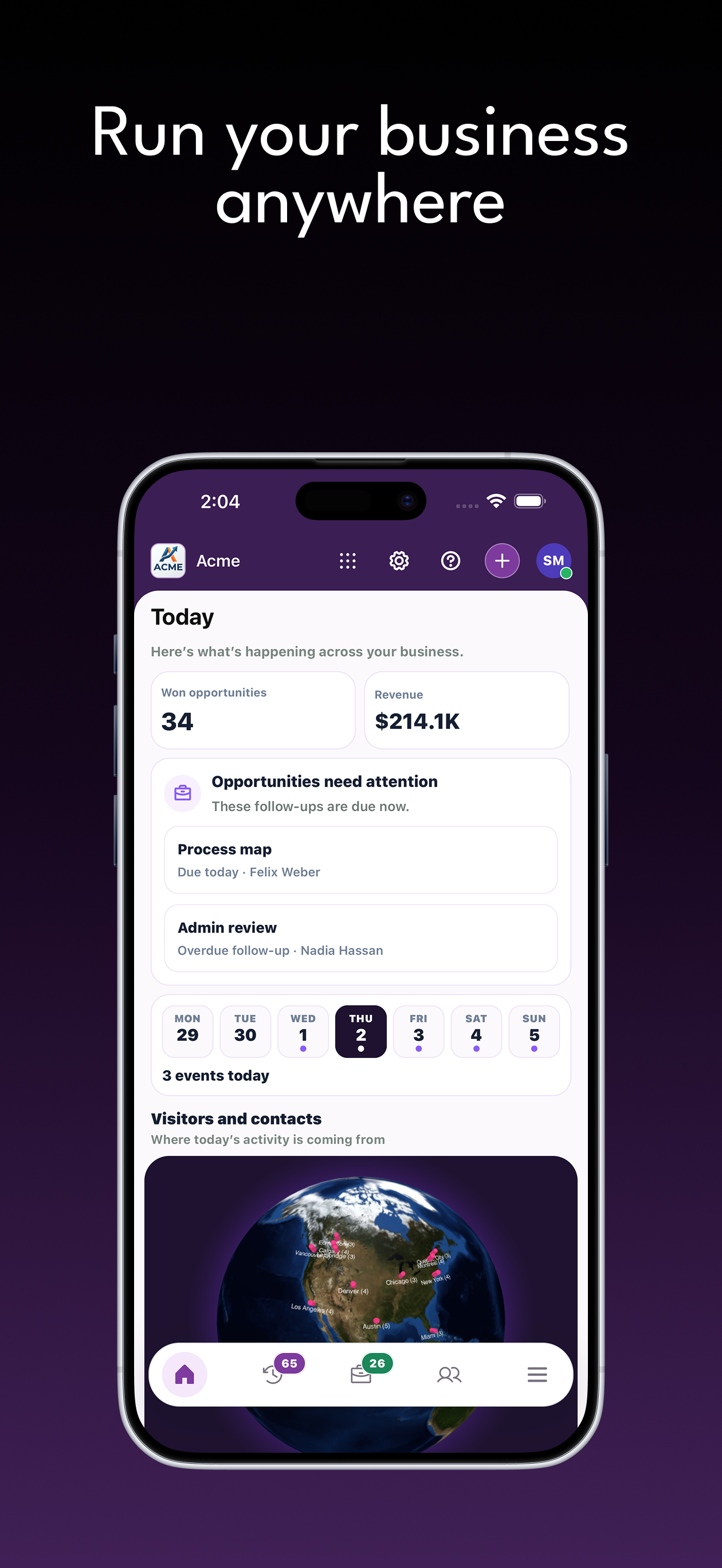
The owner is coordinating today's trades when a prospective customer calls about a larger project.
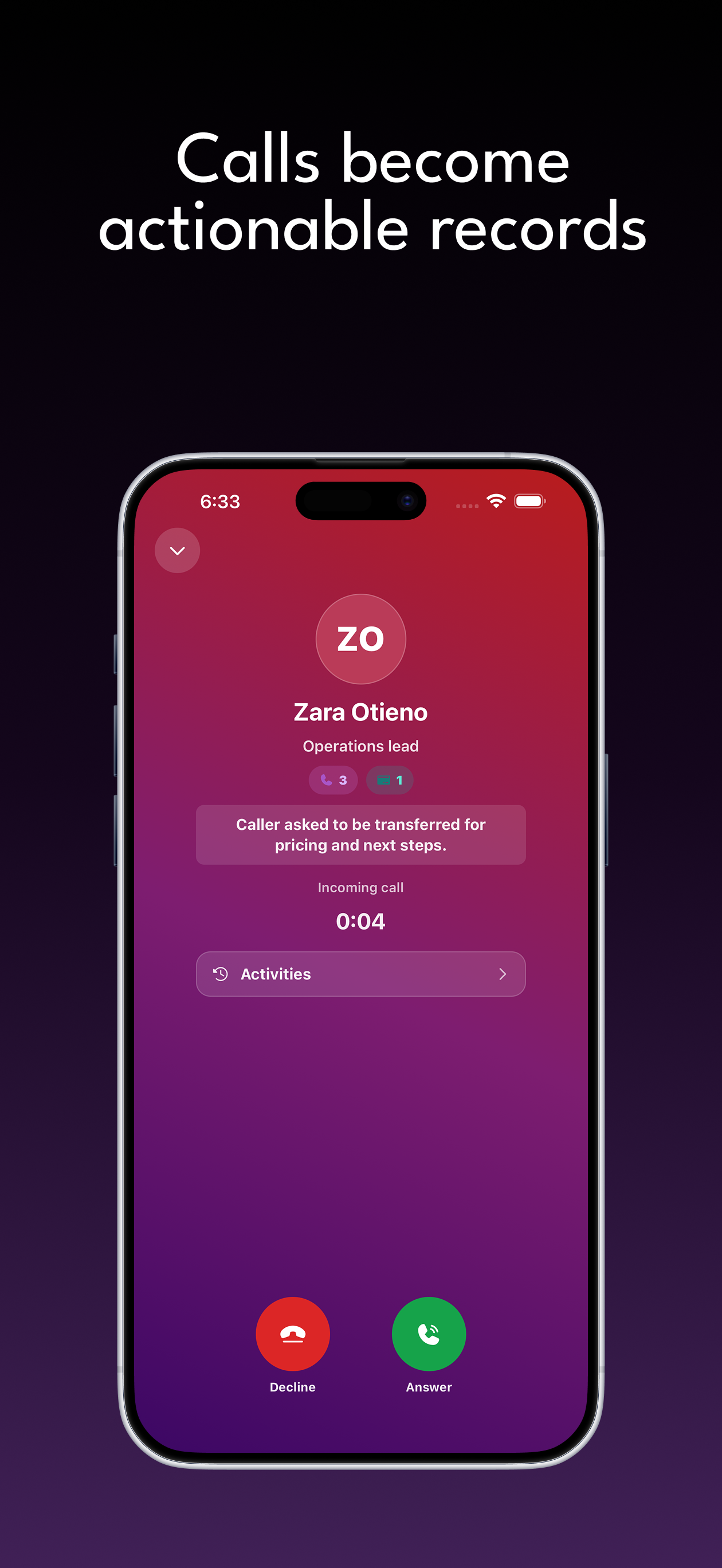
Zweelie is your AI office manager that answers construction calls, captures project inquiries, and keeps plans, client details, and estimate follow-ups connected.
Zweelie gives construction companies and general contractors a place to manage the conversations that happen before a project becomes a job. A referral, a set of plans, and a request for a site visit should reach the same person. Keep the inquiry organized so your estimator can assess fit without piecing together calls from the owner, architect, and property manager.
Built around the work of: general contracting business owners, construction company estimators, construction office managers.
Mobile app + web platform
Answer calls, qualify leads, follow every opportunity, collect payments, and keep customer work organized from wherever the day takes you.
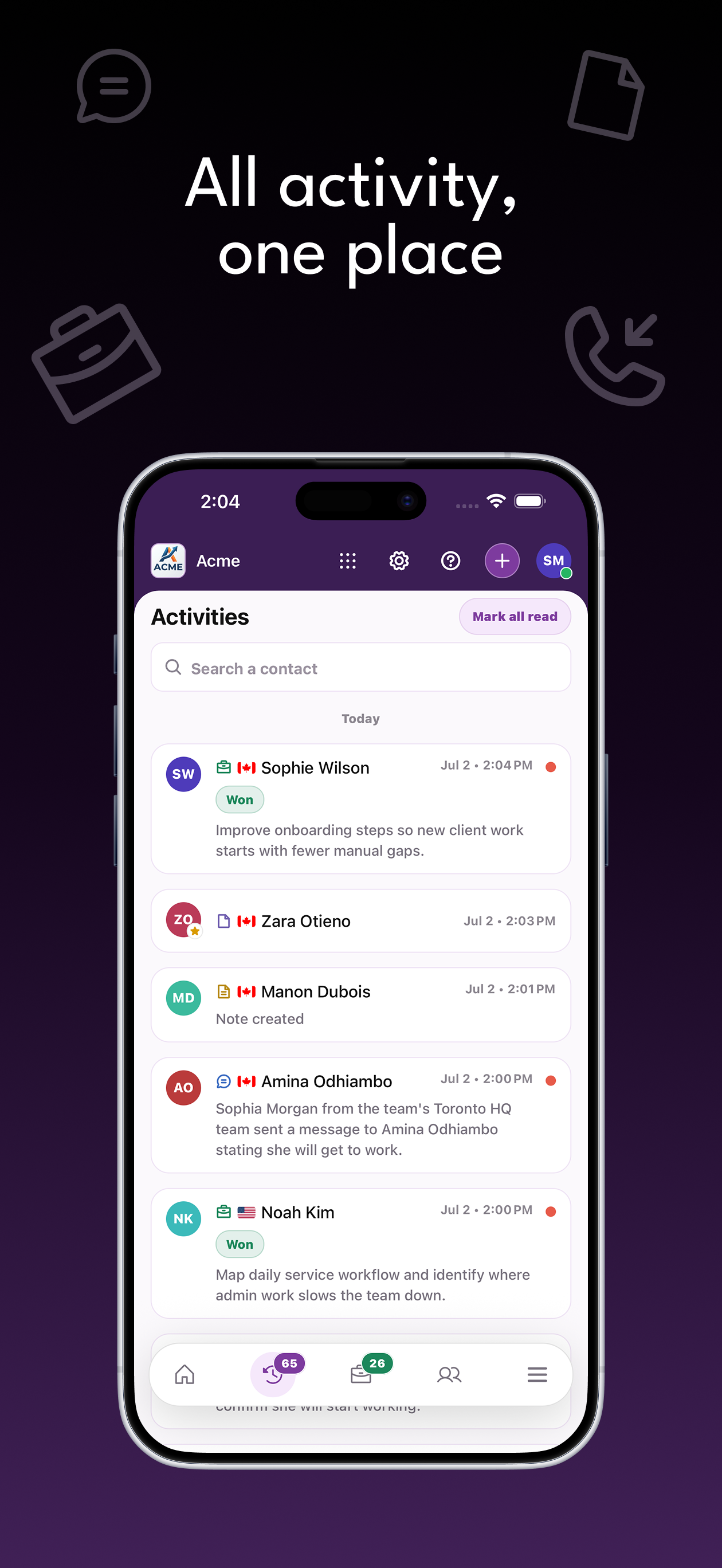
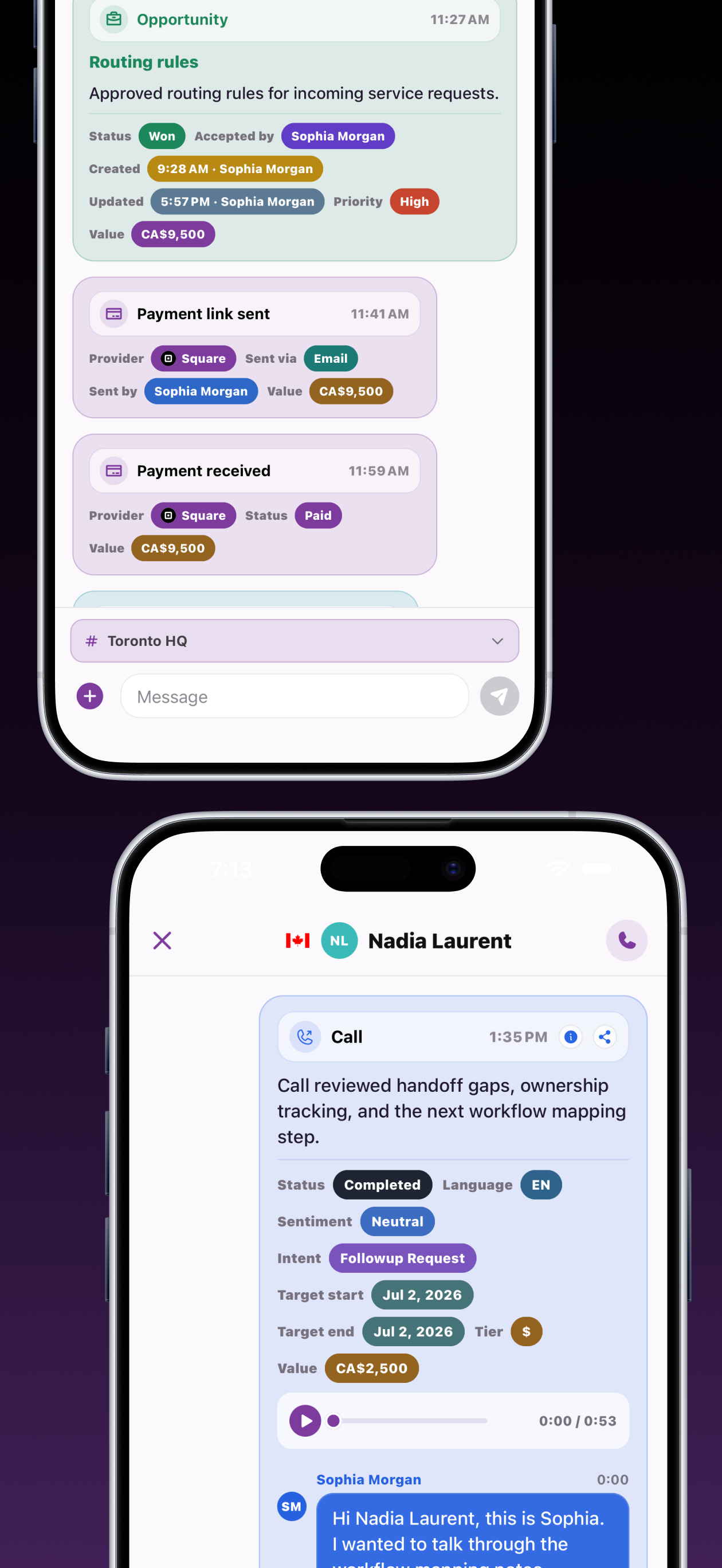
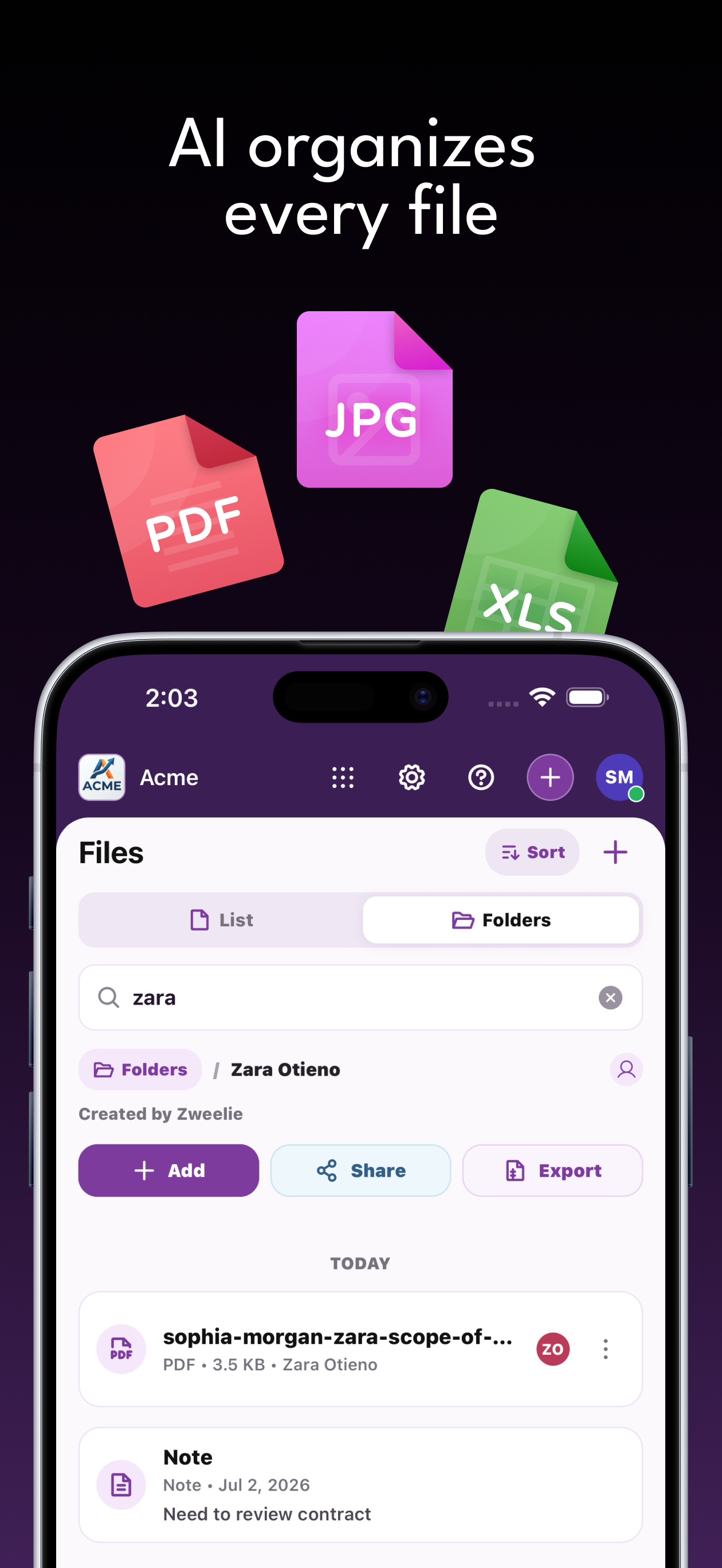
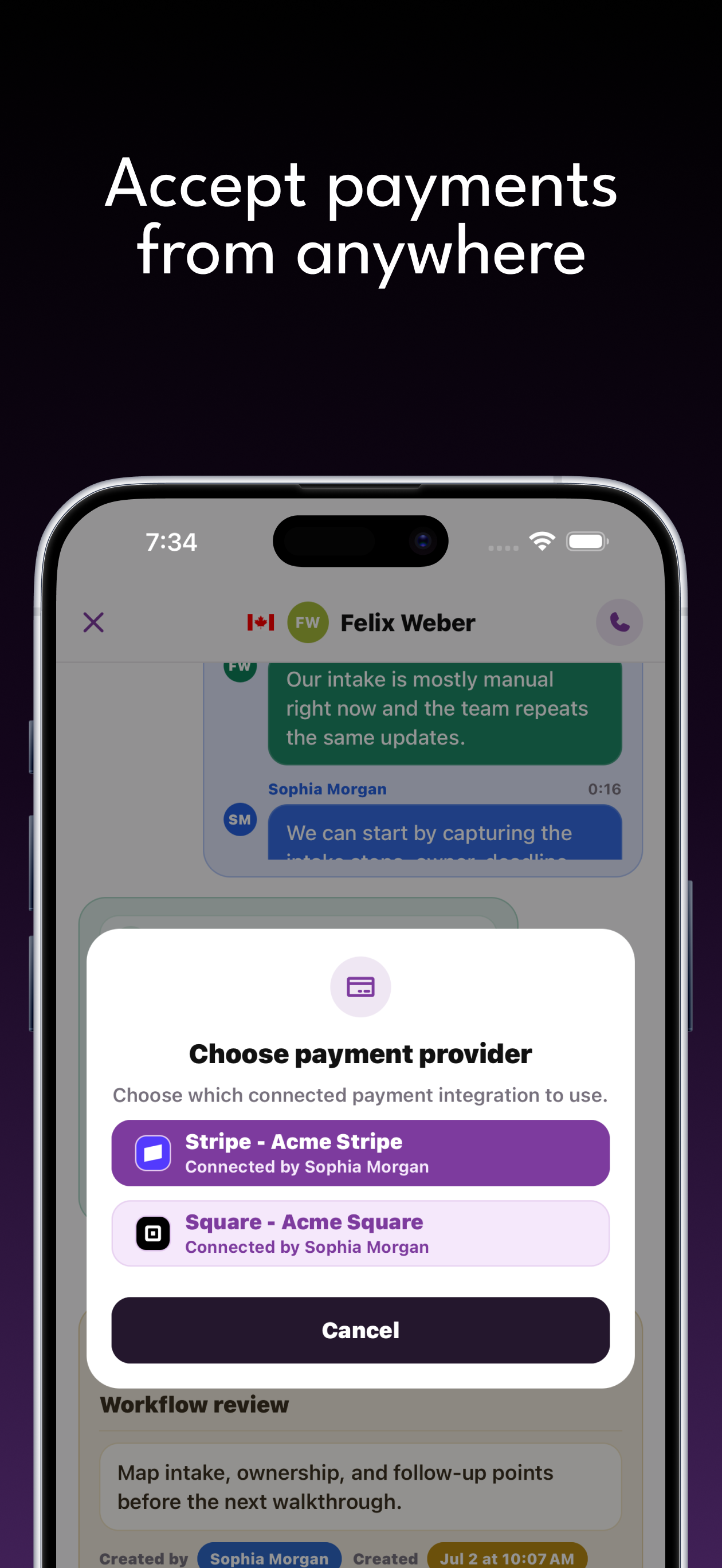
The customer communication problems that construction & general contractors need to solve.
The owner is coordinating today's trades when a prospective customer calls about a larger project.
Drawings and property details land in separate inboxes, leaving the estimator unsure which inquiry they belong to.
A site visit happens, but the team has no clear reminder to discuss the proposal or answer the customer's questions.
Connect each inquiry with the person and information needed to move it forward.
Capture the property, project type, desired timeline, and callback contact through the receptionist or a construction inquiry form.
Attach customer-supplied plans and scope notes to an opportunity for the estimator. Record questions to resolve during a staff-confirmed site visit.
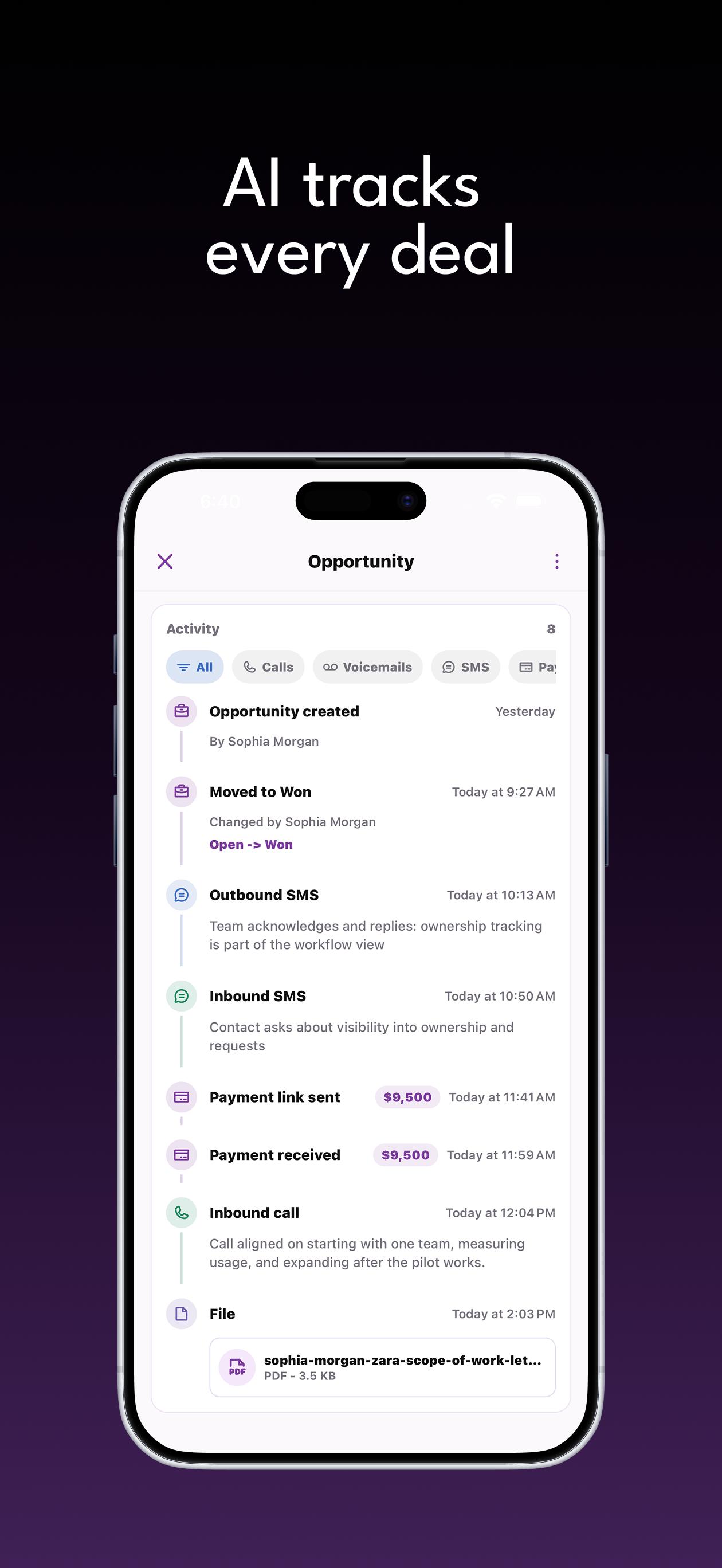
Set a follow-up reminder, record customer decisions, and keep agreed payment activity with the contact while project delivery remains in your construction tools.
Capabilities
Give your team calls, forms, opportunities, files, notes, and payments that share customer context. Features and usage allowances depend on your plan.
Configure your receptionist and call routing. Keep customer texts, call summaries, and request details available for your team's response.
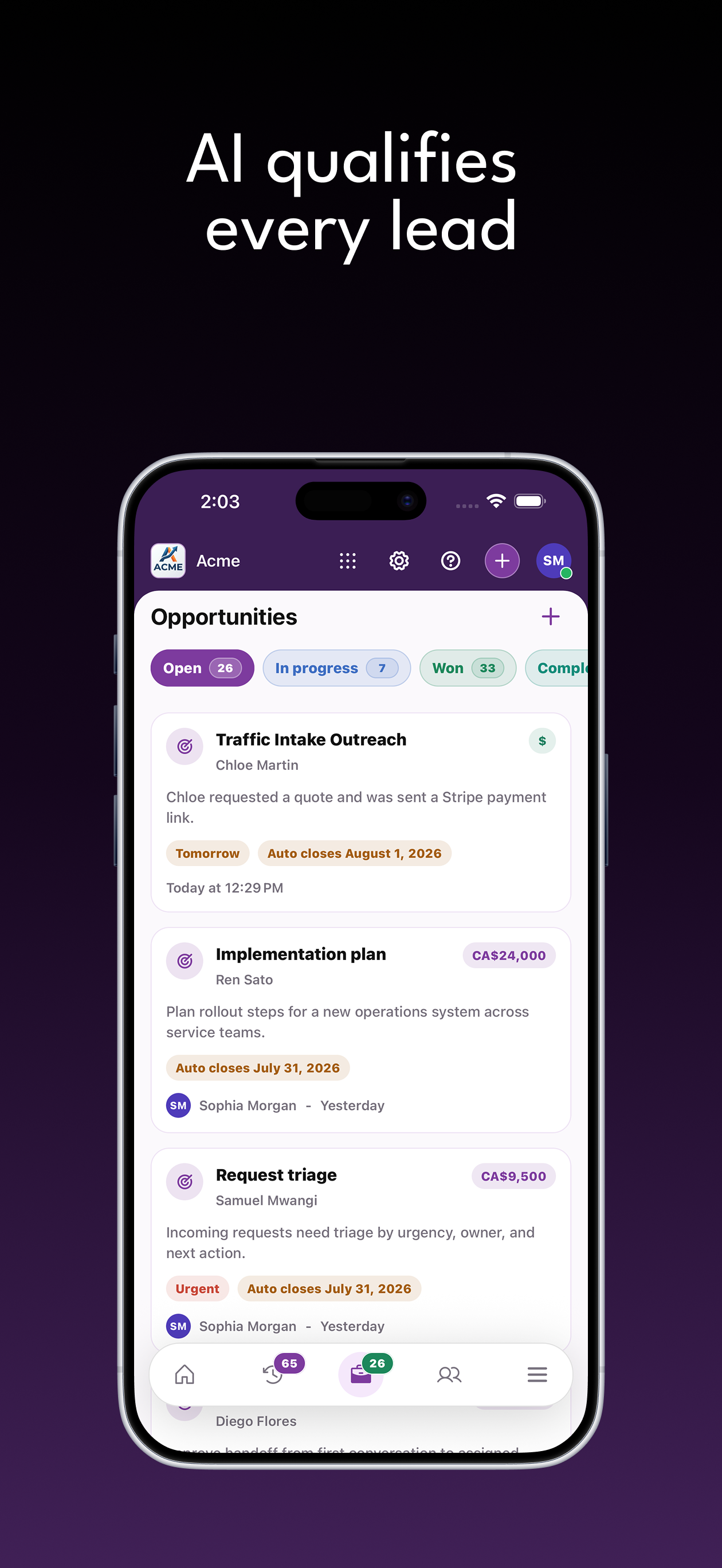
Review potential work from calls, texts, and forms. Assign a responsible person and follow-up reminder so the next customer conversation has an owner.
Two-storey addition inquiry
Hudson Lane
Link customer-provided photos and documents to contacts and opportunities. Give the person handling the request the materials needed for review.
Build an intake form around project address, build or renovation scope, customer's target timeframe. Accept relevant files and connect submissions to customer opportunities.
Tell our team what you have in mind.
Your team can send an agreed payment link and view payment activity alongside the customer history. Stripe and Square connections are available; provider capabilities vary.
Keep your team's observations and agreed next steps attached to the customer or opportunity, ready for the next conversation.
Hudson uploaded addition concept plans. The estimator should review the site details before the callback.
Hudson LaneTwo-storey addition inquiryIn progressSasha requested a retail fit-out proposal. Confirm the landlord contact and intended project scope.
Sasha KimRetail fit-out proposalOpenZweelie connects with Stripe, Square, and Google Calendar so payments and dates end up where your team already looks.
Don't see an integration here? We can build it.Bring the project brief, customer references, and site-contact details into one opportunity. Your estimator can prepare the next conversation, request missing information, and follow up on the proposal while your team plans the build.
Zweelie brings customer communication, intake, and follow-up ownership together on web and iOS. Explore our privacy policy or talk through your workflow in a demo.
Pricing
Capture new inquiries, stay on top of opportunities, and automate routine work as your business grows.
Small Business
Capture every lead with your business team.
Business
Handle more inquiries and keep every opportunity organized.
Business Pro
Automation and collaboration for the whole operation.
*Unlimited call and SMS usage is subject to our Fair Use Policy.
Coming soon: automatic consultation and site-visit booking, plus connections to project scheduling tools. Today, Zweelie captures project briefs, plans, and proposal conversations so your team can arrange the visit. Your construction team continues to approve scope, crew commitments, budgets, and the build schedule. Need this sooner? Contact us to discuss your requirements and timing.
Bring the project brief, customer references, and site-contact details into one opportunity. Your estimator can prepare the next conversation, request missing information, and follow up on the proposal while your team plans the build.
Yes. Zweelie connects calls, texts, contacts, files, notes, and opportunities so the people handling a request can review its history. Assign opportunities and follow-up reminders to your team. Team access and product availability depend on your plan and permissions.
Read the guide · Construction & General Contractors